Day-19 : Docker For DevOps Engineers
I am a highly motivated and enthusiastic individual completed B.Tech from Savitribai Phule University, Pune . With a strong interest in DevOps and Cloud technologies, I am eager to kick-start my career in this domain. Although I do not have much professional experience, I possess a willingness to learn, excellent problem-solving skills, and a passion for technology. I am committed to contributing my best to any team I work with.
Docker-Volume
Docker allows you to create something called volumes. Volumes are like separate storage areas that can be accessed by containers. They allow you to store data, like a database, outside the container, so it doesn't get deleted when the container is deleted. You can also mount from the same volume and create more containers having same data.
Docker Network
Docker allows you to create virtual spaces called networks, where you can connect multiple containers (small packages that hold all the necessary files for a specific application to run) together. This way, the containers can communicate with each other and with the host machine (the computer on which the Docker is installed). When we run a container, it has its own storage space that is only accessible by that specific container. If we want to share that storage space with other containers, we can't do that.
1. Create a multi-container docker-compose file which will bring UP and bring DOWN containers in a single shot ( Example - Create application and database container )
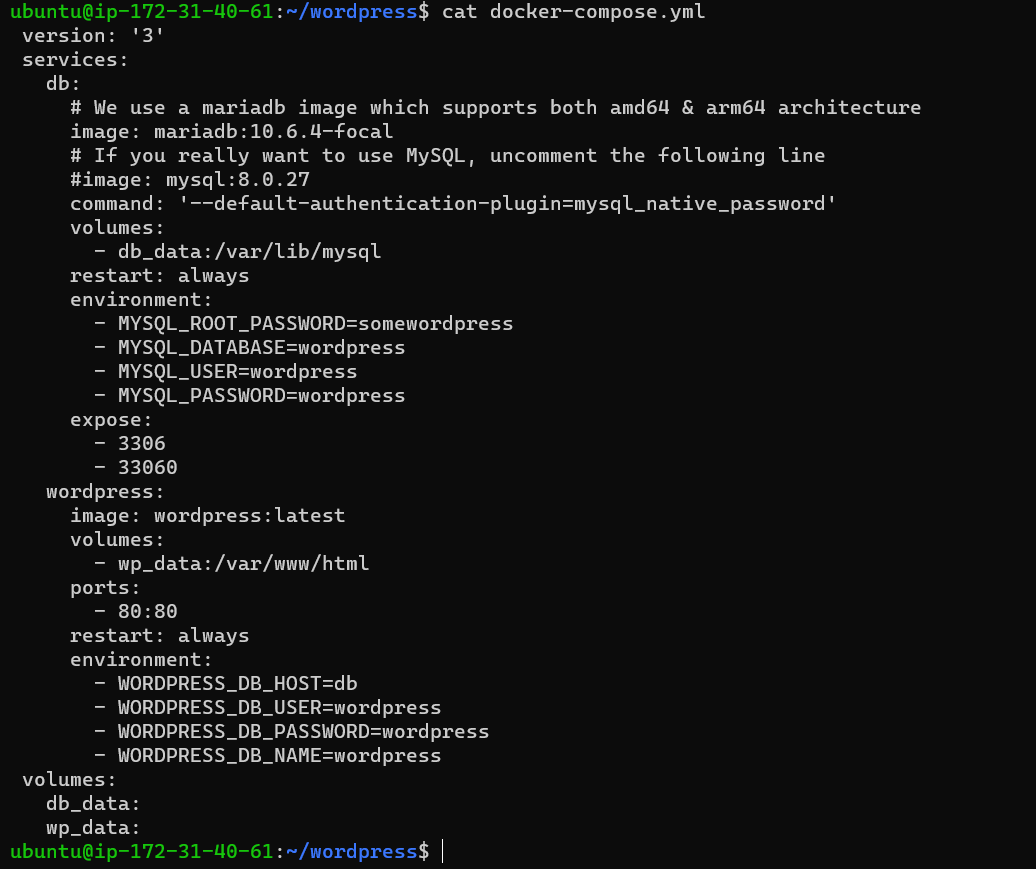
2. Use the docker-compose up command with the -d flag to start a multi-container application in detached mode.

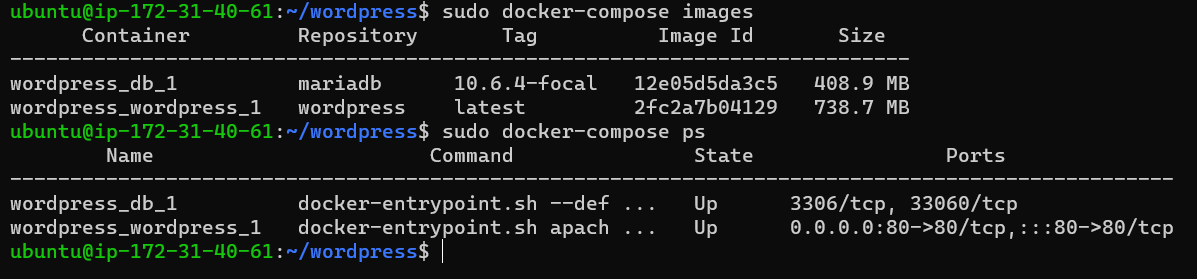
3. Use the docker-compose images and docker-compose ps command to view the status of all images and containers
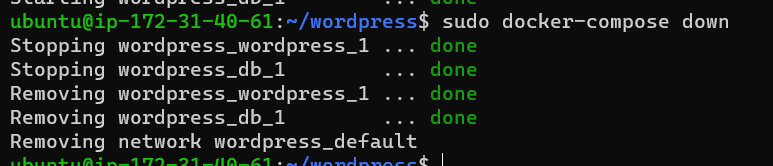
4.Use the docker-compose down command to stop and remove all containers, networks, and volumes associated with the application
5.Use the docker volume ls command to list all volumes

6.Use the docker volume rm command to remove the volume when you're done

Thank you for reading this Article.